DePIN GUI Desktop
AIOZ DePIN Desktop is a graphical application that lets anyone contribute resources to the AIOZ decentralized network without using the command line. It is designed for users who are not familiar with terminals or infrastructure tools but still want to help power AIOZ’s content delivery and storage services.
This release improves day-to-day usability with clearer controls for storage limits, scheduling, and basic operations.
Hardware Requirements
AIOZ DePIN Desktop is built on Electron 24. It is lightweight, easy to install, and optimized to use hardware resources efficiently.
Recommended baseline:
- Operating systems: Windows, Ubuntu, and macOS.
- CPU and GPU: No strict requirements at the moment. Future versions may use the GPU for transcoding tasks, and updated guidance will be provided when that happens
- Memory: Minimum 512 MB RAM (recommended higher for smoother experience).
- Network: Stable internet connection (recommended 20 Mbps+).
- Storage: At least 50 GB of free disk space

There is no enforced uptime requirement so you can start and stop the app anytime. However, it can only receive and process tasks while it is running, so keeping the app online longer generally increases the chance of completing tasks and receiving rewards.
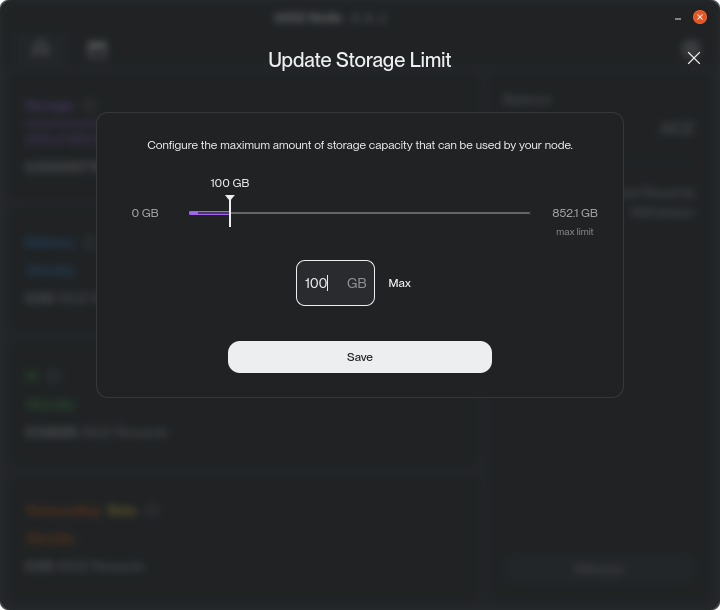
Storage Limit Control: Choose How Much Space to Share
AIOZ DePIN Desktop lets you choose exactly how much disk space to share.
In the Storage section, set a maximum limit so the app stays within the capacity you’re comfortable sharing. Bandwidth limits are planned for future versions.
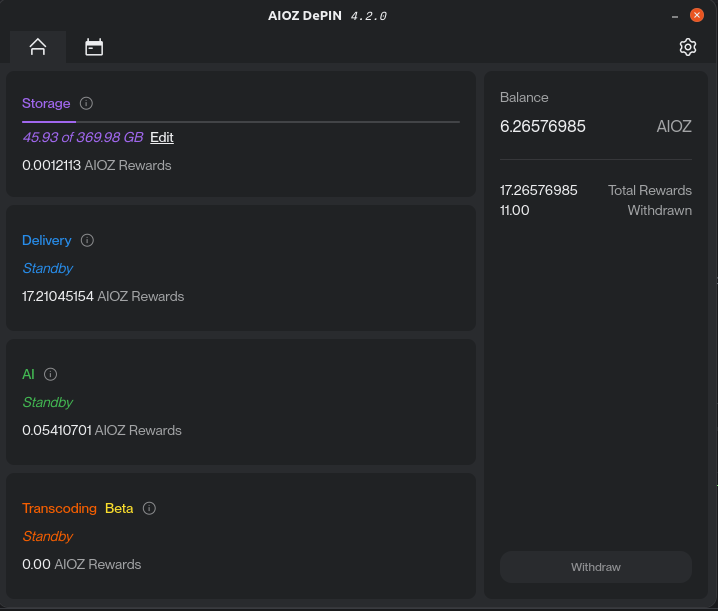
The main dashboard summarizes each supported module: Storage, Delivery, AI, and Transcoding (Beta). You can see your current status, resource usage, and rewards in one place.
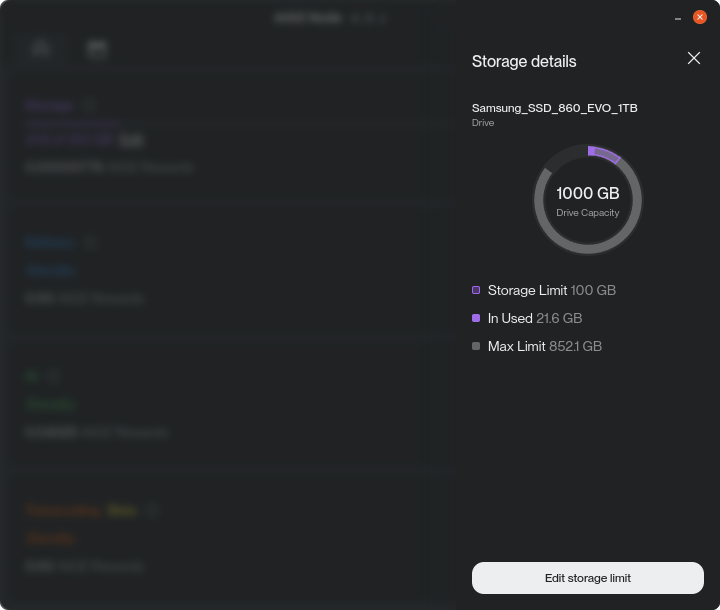
You can also open Storage Details from the action menu to see your storage status.
DePIN Operation Scheduling: Decide When the App Runs
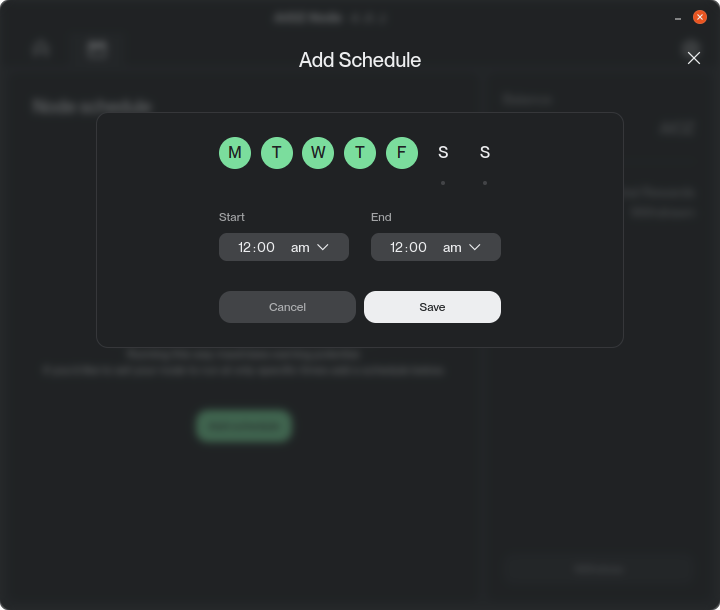
You can schedule when AIOZ DePIN Desktop should be active, for example only at night or outside working hours. This is useful if you:
- Only want to contribute at night or outside working hours
- Share the machine with other workloads and want predictable windows of activity
In the Schedule view, you can configure time ranges when the app should automatically run or stay idle. This gives you more control while still keeping your contribution consistent.
DePIN Operation Flexibility: Pause, Resume, and Lock
AIOZ DePIN Desktop includes controls for day-to-day flexibility. These options make it easy to balance normal computer usage with contributing to the AIOZ network.
Pause
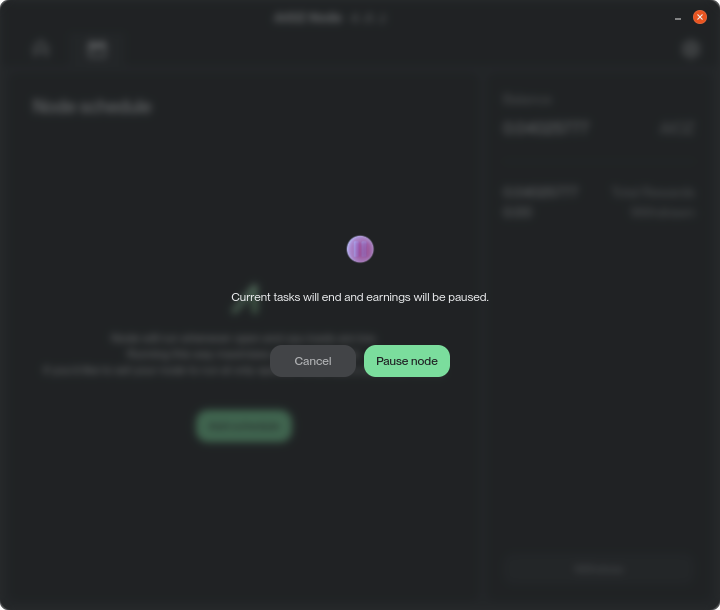
Temporarily stop DePIN activity when you need full resources for other tasks. When you click Pause, a confirmation dialog appears so you don’t stop the app by accident.
Resume
Restart DePIN operations once you are done with other work.
Lock
Keep the app running in the background while hiding its main interface, so it does not interfere with your workflow. A confirmation modal explains what locking does before you apply it.

Edit Storage Location: Move Data Safely
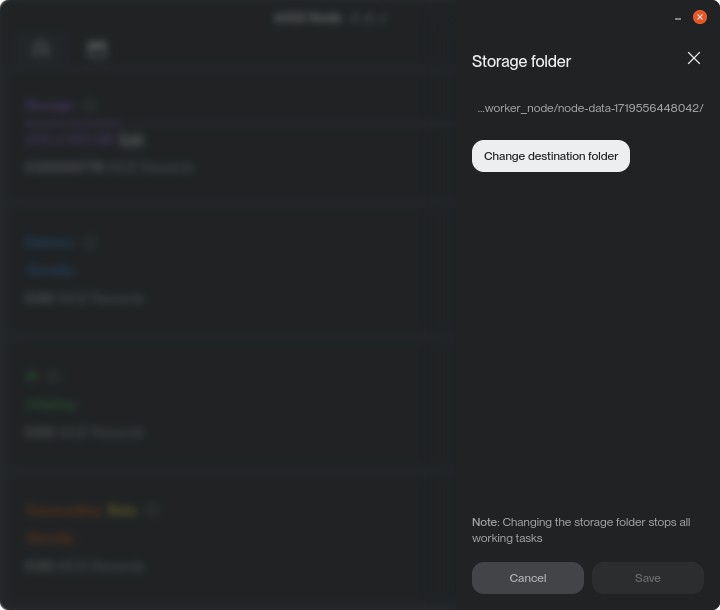
You can move AIOZ DePIN data to a different disk or folder when you upgrade hardware or want to free space on a drive.
If you decide to stop using the app, the Remove DePIN Data action deletes all local data and frees the allocated storage.
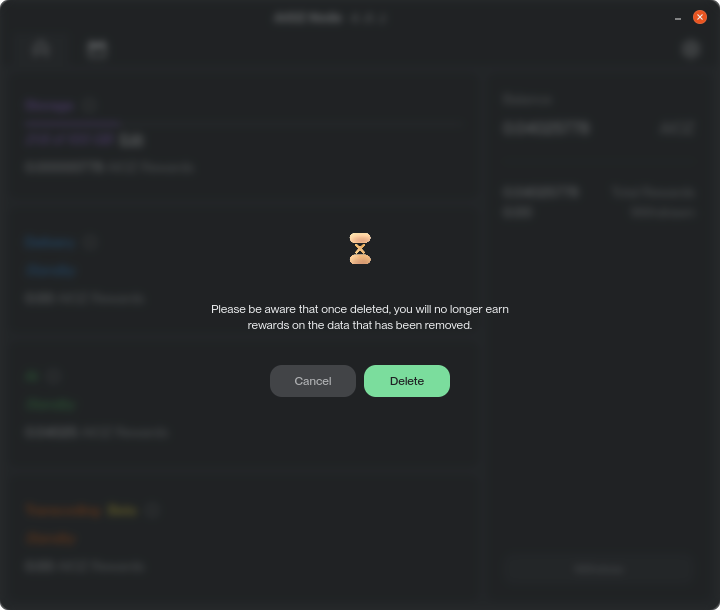
IMPORTANT: This action is permanent. Once the data is removed, it cannot be recovered.
Withdraw: Transfer rewards to your wallet
When your contribution is rewarded, you can withdraw them directly from the AIOZ DePIN Desktop:
- Click Withdraw
- Enter the amount of AIOZ you want to transfer
- Provide your wallet address on the AIOZ Network (native chain)
- Confirm the transaction following the on-screen instructions
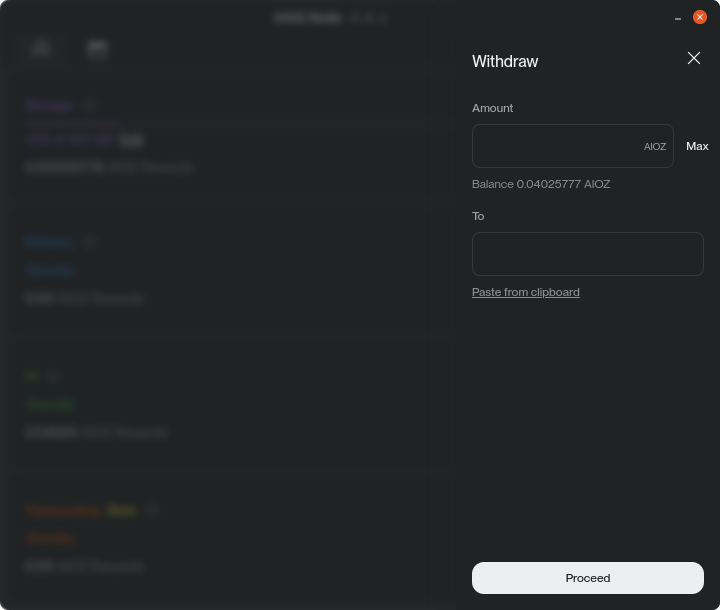
NOTE: The app guides you through the steps and shows the result of the withdrawal so you can track your rewarding.
Production-Ready for AIOZ Infrastructure Services
AIOZ DePIN is designed to support production workloads across AIOZ Storage, AIOZ Pin, AIOZ Stream, and AIOZ AI.
- AIOZ Storage with S3 Compatibility: Object storage backed by distributed capacity on the AIOZ Network, designed for applications that rely on S3-compatible APIs.
- AIOZ Pin: IPFS pinning that helps keep content available and retrievable through distributed storage and network delivery.
- AIOZ Stream: Decentralized media infrastructure for live and on-demand streaming, covering ingest, transcoding, and delivery workflows for creators and developers.
- AIOZ AI: A Web3 AI platform that combines a marketplace for models and datasets with DePIN-powered compute for training and inference, supported by integrated storage for AI assets.